The first Android XR glasses Google and Samsung are bringing to market don’t have a screen. You ask Gemini a question, and the answer comes back in your ear. For anyone planning Android XR development, that one design choice says a lot about where the platform is heading. On Android XR, AI comes first and the display comes second.
That raises practical questions for businesses already using AR. Say your crews rely on a tablet app on site every day. Will it run on Android XR? And does it need Gemini to stay useful?
Fair questions, and the answers aren’t obvious. Android XR is still young. The hardware is only just arriving, and the tools change every few months. Here’s what Gemini changes about building for the platform, and what that means for augmented reality app development.
What Is Android XR?

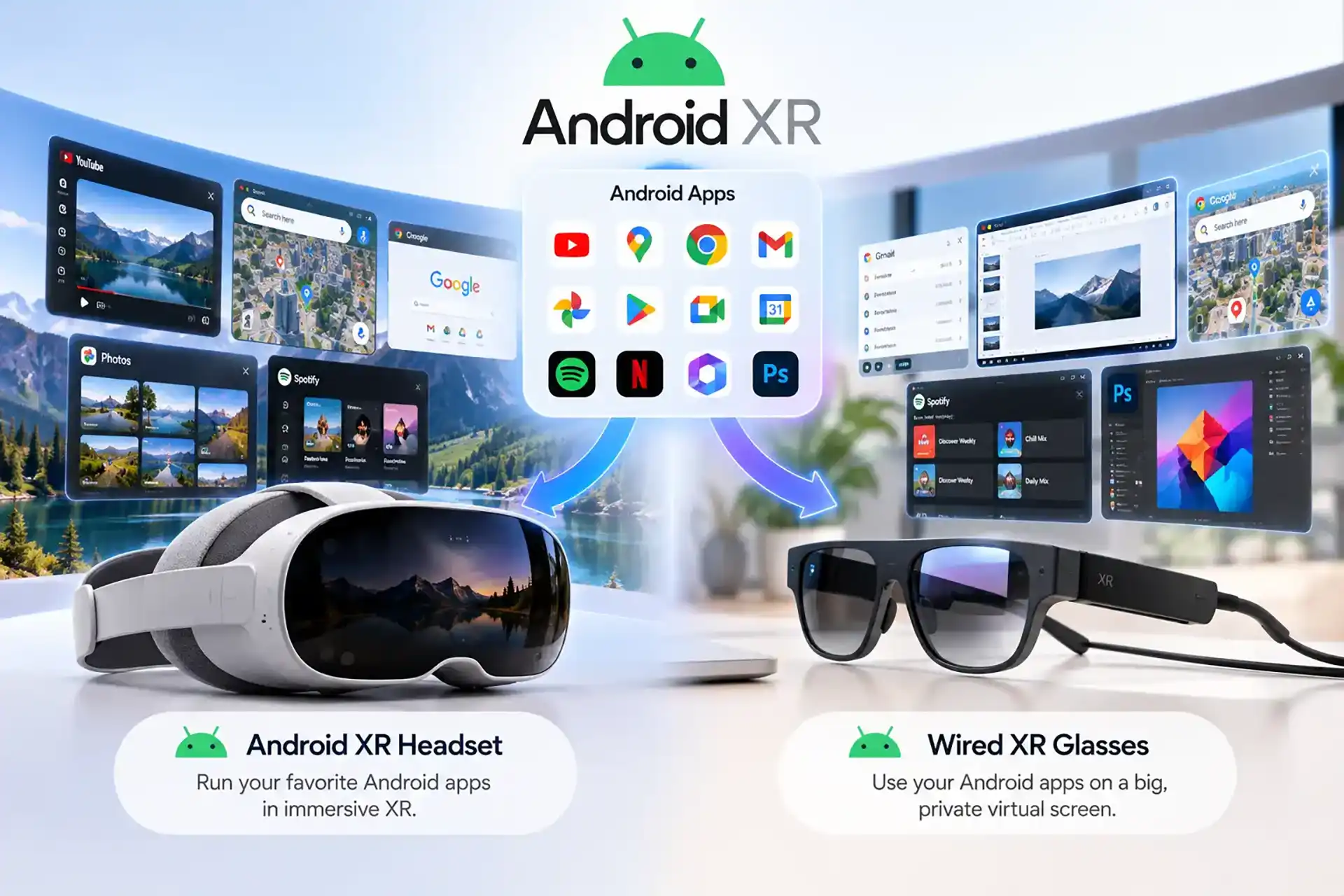
Android XR is Google’s operating system for extended reality devices, built with Samsung and Qualcomm. It runs on a whole family of hardware, from full headsets to lightweight glasses, with Gemini built in at the system level.
Right now, that family looks like this.
Headsets came first. Samsung’s Galaxy XR launched in October 2025 at US$1,799 as the first Android XR device, sold in the US and Korea. It switches between full virtual reality and mixed reality pass-through, much like the headsets many businesses already use for training.
Wired XR glasses sit in the middle. XREAL’s Aura brings Android XR into a glasses-style frame, and IDC lists it among the Android XR products being readied for launch.
Then there’s what Google calls intelligent eyewear. At Google I/O in May 2026, Google and Samsung previewed audio glasses designed with Gentle Monster and Warby Parker. They’re due in select markets later in 2026. Display glasses, which show information in the lens, will follow. Both types pair with Android phones and iPhones.
That last point matters in Australia, where plenty of workers carry an iPhone.
How Does Gemini Change Android XR Development?
On most platforms, AI is a feature you add later. On Android XR, it’s closer to the front door. Here’s what that means in practice.
Gemini Becomes the Interface
On Galaxy XR, Gemini can see what the wearer sees and answer questions about it. On the new glasses, people can ask Gemini about something in front of them, get directions or send a message without reaching for a phone. Voice becomes the main way in. For developers, that means thinking about how people will ask for your app’s features, not only where they’ll tap.

Your App Can Talk to Gemini
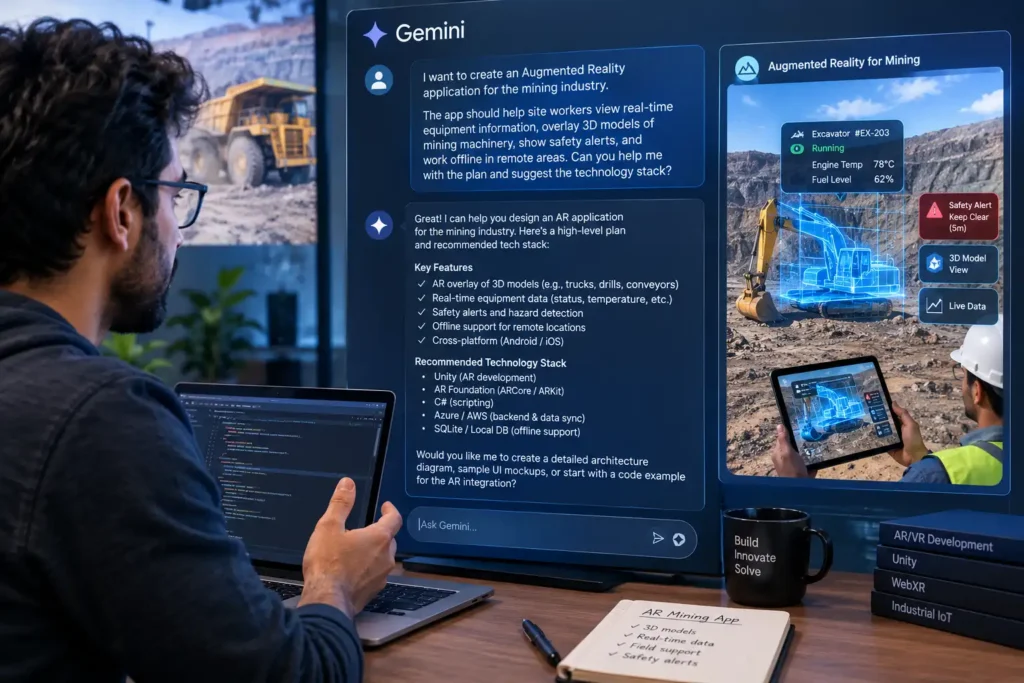
Developers can plug Gemini into their own Android XR apps through Firebase AI Logic, which works with native Kotlin apps and Unity. Documentation from Android Developers shows how the Gemini Live API handles two-way voice conversations and can trigger functions inside your app. That’s the foundation of Gemini-powered AR: someone asks a question out loud, and the answer appears in context.
Glasses Need Voice-First Design
Audio glasses have no display, so everything happens through sound. Google’s own guidance is refreshingly frank about the limits. The Gemini Live API needs a constant internet connection and costs money to run. It also caps how many sessions can connect at once. Google also notes it may not suit critical messages, especially on glasses without a screen.
One rule we hold to on every build: safety-critical instructions should never depend on a cloud connection. If the signal drops on a remote site, the essential steps still need to be there.

Location Gets Smarter
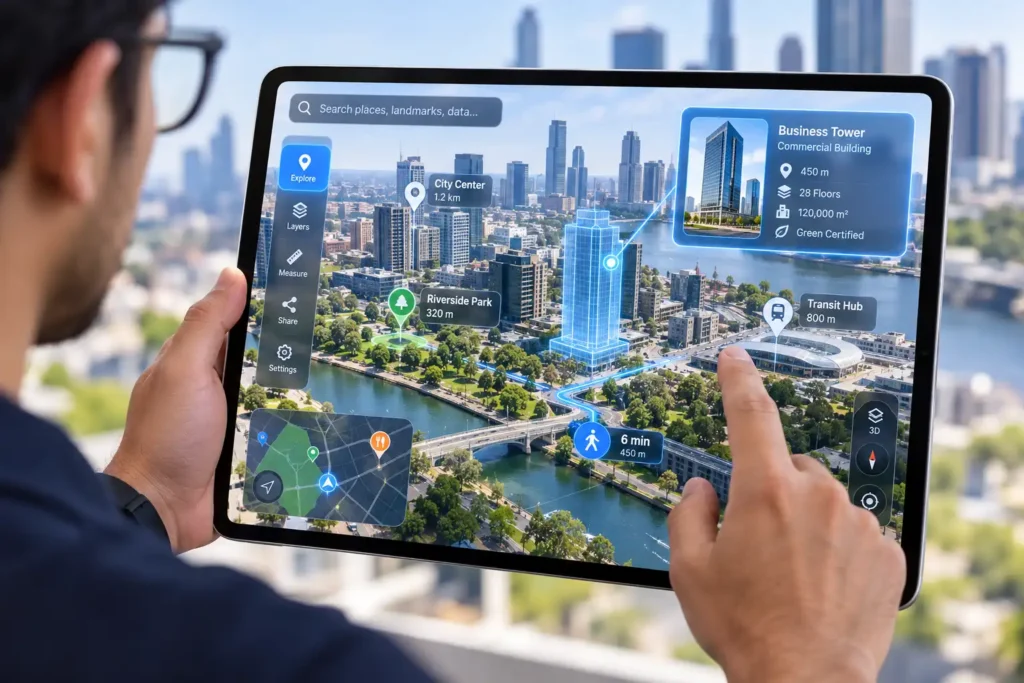
Google is previewing its Geospatial API for wired XR glasses, which lets apps anchor content to real-world locations. It’s a problem Viewport XR’s GEAAR, an augmented reality geospatial platform, already solves. GEAAR fuses satellite and visual positioning to place 3D models within centimetres of their real position. It runs on iPad today, and we’re testing it on VR glasses.
What Tools Do You Need to Build Android XR Apps?
More choice than you might expect, which is good news for Android XR development. Google’s developer site lists six routes in: the Jetpack XR SDK for Kotlin and Android Studio, Unity, Unreal Engine, Godot, OpenXR and WebXR. Unreal and Godot gained official support in Developer Preview 4 of the Android XR SDK, released in May 2026.
Android XR also supports OpenXR 1.1, the open standard that lets developers build once and run across many AR and VR devices. If you already have Unity or OpenXR work, that’s a real head start.
Glasses get their own tools. Jetpack Compose Glimmer is a UI toolkit for see-through displays, and Jetpack Projected extends a phone app onto glasses.
It’s worth knowing where things stand. The SDK is still in developer preview, with its core libraries due to move to beta. APIs will keep shifting for a while, so Android XR apps need a team that tracks each release. Our custom app development team builds with cross-platform tools, so client apps can move with the platform instead of being rebuilt every time it changes.
Can You Reuse Your Existing AR App on Android XR?
Often, yes. Google says most Android apps are compatible with XR headsets and wired XR glasses, where they run as flat panels in the user’s space. Experiences built in Unity, Unreal, Godot, OpenXR or WebXR can come across with relatively little work.
That’s why the first step in Android XR development is often an audit of what you already have. Glasses are where you’ll need fresh thinking. A tablet interface doesn’t shrink neatly onto a small display, and it doesn’t work at all on audio glasses. The 3D models and business logic can carry over. The way people interact with them usually can’t.
We’ve seen how much cross-platform planning pays off. Our XR product configurator for Austin lets buyers customise heavy mining equipment across 277,440 possible configurations. It runs on everything from a VR headset to a phone. The same product data drives every version, and the same thinking applies to augmented reality product visualisers headed for Android XR.
Why Does Android XR Development Matter for Australian Businesses?
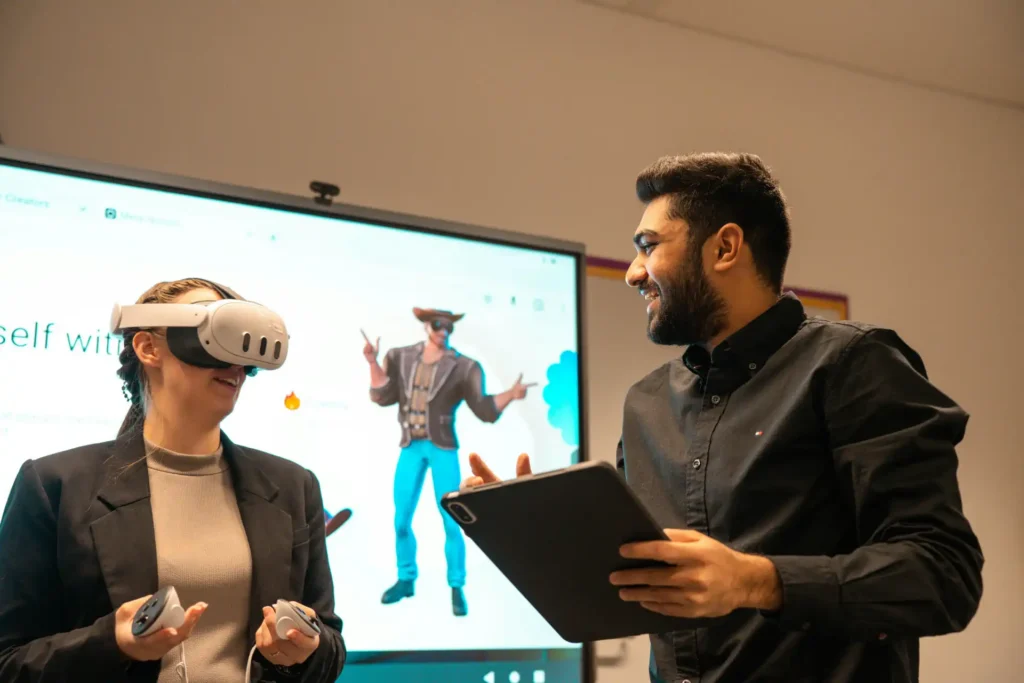
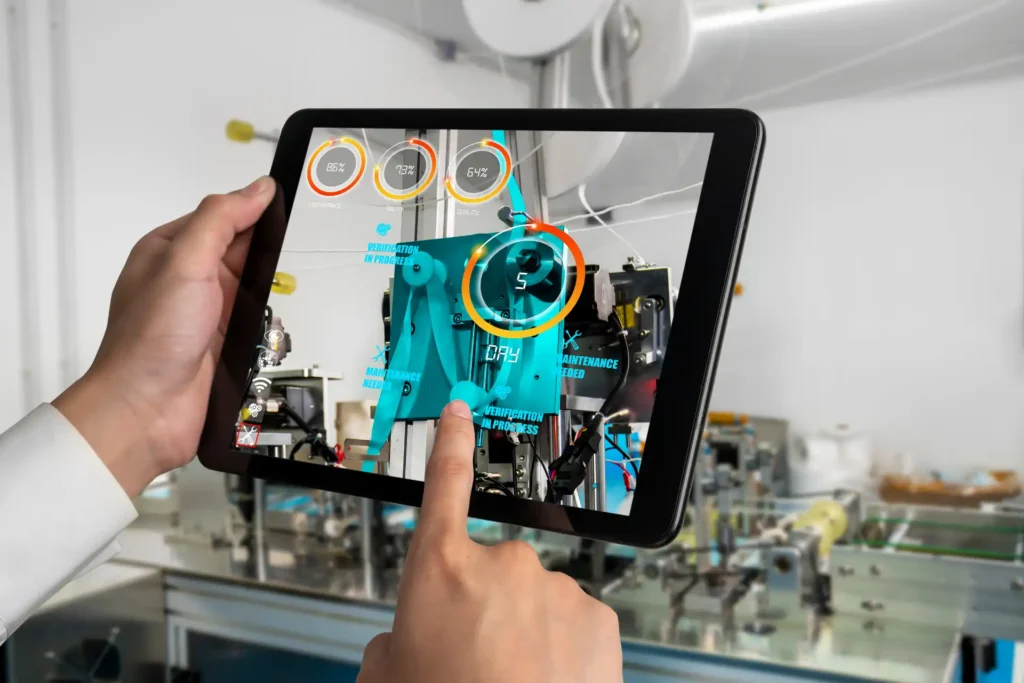
Australia’s biggest industries share a problem Android XR is built for: skilled people are often in the wrong place. Crews work across remote sites, and flying specialists in costs time and money.
Gemini on a pair of glasses could help a technician identify a part or pull up a procedure, hands-free. Add remote support, and an expert in Perth can guide someone in the Pilbara. That’s the idea behind SASHIMI, our spatial collaboration platform for design reviews and remote expert guidance.
There’s a timing question too. Galaxy XR is only sold in the US and Korea for now, and Google hasn’t confirmed which markets the new glasses will reach first. That makes now the time to prepare rather than wait. Businesses that plan their Android XR development today, and design content to be portable, will be ready when the hardware lands here.
What Are the Challenges of Building Gemini-Powered AR?
The biggest challenge is timing. The tools are still in preview, and hardware is thin on the ground.
Then come the practical issues. Cloud AI calls add running costs and need a reliable connection, which isn’t a given on remote sites. Privacy is the other. IDC has flagged growing concern about the lack of clear notice and consent when glasses record. Any app that uses a camera needs to respect that from day one.
None of these are reasons to sit still. They’re reasons to start small with a focused pilot, and to design in offline fallbacks and privacy from the start. Good augmented reality app development has always worked this way.
Is Android XR Ready for Your Next AR Project?
For headsets, largely yes. For glasses, it’s close. The smart move is to build now in a way that keeps your options open.
Android XR won’t replace every other platform, and plenty of AR will keep running on phones and tablets for years. But with Gemini at its core, it changes what users expect: to ask, not tap. Apps that are ready for that shift will feel natural. Apps that aren’t will start to feel dated.
At Viewport XR, we don’t chase platforms because they’re new. We pick the right one for the job, and build so your investment can move when the hardware does.
Talk to our team about augmented reality app development that’s ready for Android XR and Gemini.
FAQ
It depends on the route you choose. The Jetpack XR SDK uses Kotlin in Android Studio, while Unity projects use C#. Android XR also supports Unreal Engine, Godot, OpenXR and WebXR, so teams can often keep working in the engine they already know.
Yes. Android XR supports the OpenXR 1.1 standard, and Google has added its own extensions for extra world-sensing features. That makes it easier to bring existing OpenXR and Unity experiences across from other headsets.
Yes. Google says its intelligent eyewear pairs with both Android phones and iPhones. That makes the glasses easier to roll out to workforces that use a mix of devices.
Google hasn’t confirmed Australian availability yet. The first audio glasses from Gentle Monster and Warby Parker are due in select markets later in 2026, with display glasses to follow. Samsung’s Galaxy XR headset is currently sold only in the US and Korea.